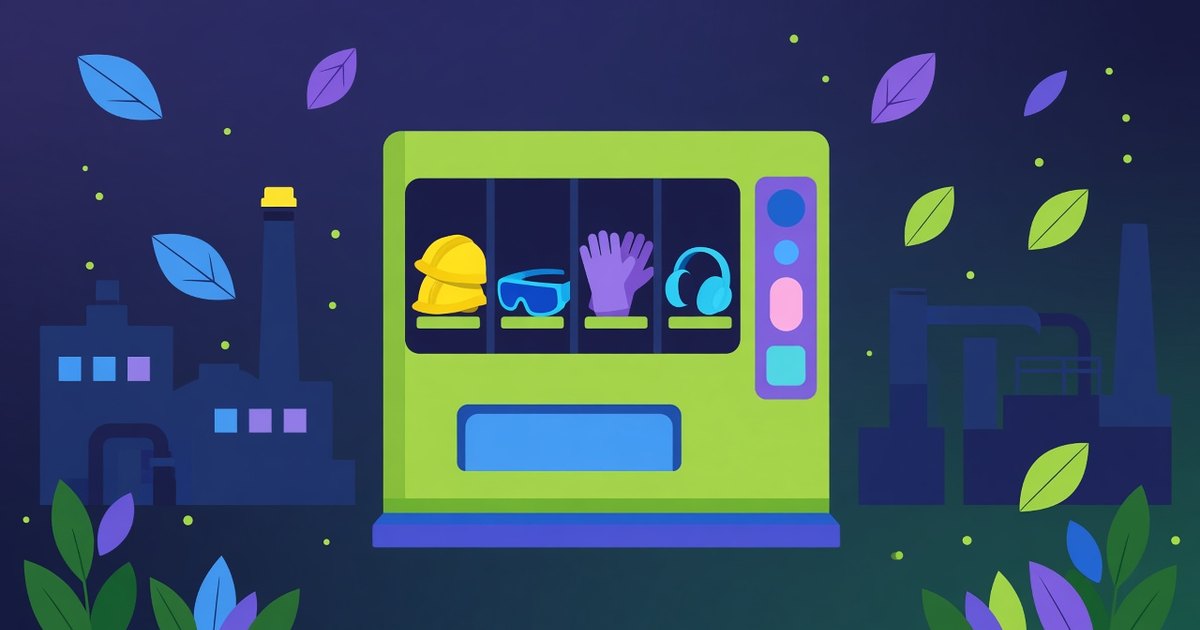
Protective gear is needed at any point in a shift. A machine gives access without waiting for a storekeeper.
- How the machine works
- How a pickup works
- Plasters and first aid supplies
- Where to start
- Products and sizes
- Allowed lists by job
- Pickup limits
- Employee cards and systems
- Reports for safety and the warehouse
- The spot on the floor
- Restocking and deliveries
- Shifts and around-the-clock work
- A pilot project
- Employee feedback
- Faults and a backup plan
- Using machine data
- Quality and PPE suppliers
- Several plants, one standard
- Cleanliness and surroundings
- Training employees
- Costs and benefits
- Questions for the supplier
- Common mistakes
- How to prepare
- In the plant
- FAQ
It is the night shift, a pair of gloves tears, and the storeroom is locked until morning. In many plants, this is an everyday problem: protective equipment is needed at any point in a shift, but handing it out depends on the storekeeper's hours. A PPE machine solves this by giving access without waiting. This article explains how dispensing works, how to plan a rollout, and what to ask the supplier before a machine goes onto the floor.
How the machine works
A PPE machine dispenses gloves, glasses, earplugs, or masks after an employee card login. The system records who took what, which helps track use and restock. Choosing the right PPE is up to the employer and safety staff – the machine only makes it available. That distinction matters: the machine is a logistics tool, not the source of decisions about what protection a job needs.
How a pickup works
A typical pickup takes a few steps:
- card login,
- choose from an allowed list,
- dispense and log,
- report to safety staff or the warehouse.
The whole process usually takes a few seconds. Employees do not have to find the storekeeper or fill in a paper form, and the safety team gets a full picture of use.
Plasters and first aid supplies
A first aid supply machine offers plasters, bandages, cleansing wipes, and other simple products. It does not replace a legally required workplace first aid kit or medical help – call for help in case of injury. Many first aid supplies have dates set by the producer, so keep them in mind when restocking. This article does not cover medicines – medicine sales fall under separate rules.
Where to start
A rollout is best started with a conversation with the safety team. They know which protective equipment is issued at each workstation, in what quantities, and how often it is replaced. That becomes the basis for the machine's product list. It also helps to bring in the warehouse, HR, and whoever runs IT systems, because each will have their own questions and needs.
Products and sizes
PPE is not just product types but also sizes. Gloves in three sizes are three separate positions in the machine. Before you order a machine, count how many positions you really need and check that it has enough slots. A table helps: product, size, average weekly use, and the workstations that use it. The table will also show which products move fastest and need restocking more often.
Allowed lists by job
Choosing PPE is up to the employer and safety staff, and the machine's system can reflect that. In many setups, each employee or job is assigned a list of products they can take. A welder sees different items than a warehouse worker. Prepare the list settings with the safety team and review them whenever jobs or assignments change.
Pickup limits
Many systems allow limits per employee or job, such as a number of glove pairs per week. Limits help curb overuse, but they should not get in the way of work. If a limit is too low, an employee is left without protection mid-shift. So set up a simple path for exceptions: who can unlock an extra pickup and how quickly. Review the limits after the first few weeks and adjust them to actual use.
Employee cards and systems
Card login requires connecting the machine to the plant's card system. Ask the machine supplier which cards and readers the machine supports and how integration works. Also decide who adds new employees, blocks cards of people who have left, and updates job assignments. These are simple tasks, but if nobody owns them, problems appear quickly. Agree with whoever handles data protection in your company how long pickup records are kept and who can see them.
Reports for safety and the warehouse
Reports are one of the machine's biggest advantages. The safety team sees who took protective equipment and when, and the warehouse knows what to order. Decide which reports are needed, how often each department gets them, and in what form. A simple weekly report is often enough. Set up low-stock alerts too, so the machine never stands empty.
The spot on the floor
Agree on the machine's location with the safety team. A good spot is easy to reach from different workstations, does not block walkways or emergency exits, and has power and a network connection if the machine needs them. In large plants, one machine may not be enough. It is often better to consider several smaller machines than one that people have to cross the whole hall to reach.
Restocking and deliveries
A machine only works when it is full. Decide who restocks it, how often, and where the stock comes from. In some models, the machine supplier handles restocking; in others, the plant's warehouse does. For products with dates, check them at every restock. Report data helps plan deliveries so you do not hold too much stock but also do not run out.
Shifts and around-the-clock work
A machine is especially useful in plants that run several shifts. Check when use peaks and make sure the machine is restocked before those periods. For weekend work, decide who employees report a machine fault to when the office is closed. A contact number on the machine and a short fault procedure solve many problems.
A pilot project
Instead of equipping the whole plant at once, start with one machine in one hall. A pilot lets you check whether the product list is complete, whether limits are set well, and whether card integration works smoothly. Decide in advance how long the pilot will run, such as a few weeks, and how you will know it worked. That could be the number of pickups, the number of reported problems, feedback from employees and supervisors, and the change in use compared with the earlier period.
Employee feedback
Employees who use the machine every day will be the first to notice what works and what gets in the way. After a few weeks, ask them: is the machine in a good spot, are products available when needed, and is logging in convenient? A short survey or a talk with supervisors is enough. Feedback often leads to simple fixes, such as changing the product order or adding a missing size.
Faults and a backup plan
Any machine can break down. Think ahead about what happens if it stops working in the middle of a night shift. A backup plan helps: a small stock of basic protective equipment with the supervisor or in a locked cabinet that a designated person can open. Agree on the service response time and how to report faults with the supplier. Post this information at the machine so everyone knows what to do.
Using machine data
Reports can show more than stock levels. A sudden rise in glove use at one workstation may point to a process change, a product quality problem, or a need to talk with the team. The safety team can use data like this for better planning. Decide who reviews reports and how often, so the information does not sit unused in the system.
Quality and PPE suppliers
The machine dispenses whatever you load into it. Choosing the PPE supplier is still up to the plant and its safety team. When you switch suppliers or product models, check that the new products fit the machine's spirals or compartments. Some packages are too big or too soft and may jam. Ask the machine supplier what package sizes the machine handles.
Several plants, one standard
Companies with several plants often want a similar setup everywhere. A shared standard helps: similar product names, a similar way of setting limits, and consistent reports. At the same time, each plant has its own needs, so the product list and machine placement should follow local requirements. A shared standard makes comparisons and purchasing easier, while local fit makes the setup work in practice.
Cleanliness and surroundings
A machine on a production floor works in tougher conditions than one in an office. Dust, moisture, or vibration can affect how it runs. Ask the maker what conditions the machine is designed for, and decide who cleans it and how often. A clean machine with a readable screen and labeled positions gets used more and breaks down less. A bin for packaging nearby also helps.
Training employees
Most employees learn to use the machine quickly, but a short introduction helps. Show how to log in, choose a product, and what to do if a product does not drop or the card is not accepted. A simple illustrated guide at the machine is useful. For new hires, using the machine can be part of onboarding at their workstation.
Costs and benefits
When deciding on a machine, look beyond the price of the machine or rental to the cost of your current system: the storekeeper's time, downtime while employees wait for equipment, and losses from uncontrolled use. After a few months, the machine's reports will show how use has changed. Prepare a before-and-after comparison, because it will help when discussing extending the setup to other halls.
Questions for the supplier
Before choosing a machine, prepare a list of questions. For example:
- how many positions and sizes the machine holds,
- which cards and systems it supports,
- how product lists and limits are set,
- which reports are available and in what form,
- who restocks the machine and services it when it breaks,
- what the agreement and service response time look like.
Compare the answers from several suppliers and keep them in one place.
Common mistakes
A few problems come up especially often:
- rolling out without the safety team,
- too few slots for sizes,
- limits set too low with no path for exceptions,
- nobody responsible for cards and assignments,
- a machine placed where some employees find it hard to reach.
Each of these is easier to avoid than to fix later.
How to prepare
If you are planning a PPE machine, you can start with a few steps:
- discuss needs with the safety team,
- prepare a list of products, sizes, and use,
- arrange integration with employee cards,
- choose the spot on the floor with the safety team,
- plan restocking and reports,
- train employees.
A plan like this lets you launch the machine without disrupting the plant's work.
In the plant
The page on production plants (publisher's site) covers plant setups.
Related reading: Book Vending Machine and Phone Accessory Vending.
FAQ
Does the machine decide which PPE is needed? No. The employer and safety staff decide.
Can pickups be limited? Many systems allow limits per employee or job.
Can it sell medicines? Medicine sales fall under separate rules, and this text does not cover them.
Do first aid supplies have dates? Many do – the producer states them.
This article is general information only and is not legal advice. Rules change – check the current rules or consult a lawyer before deciding.